 ColorStudio
Colorize photos
Colorize black-and-white photos with a local AI model and fine-tune the colors manually.
Photo and film editing for Windows
Colorize black-and-white images, restore photos, and grade archival footage scene by scene. ColorStudio processes your media locally on your PC.
Editions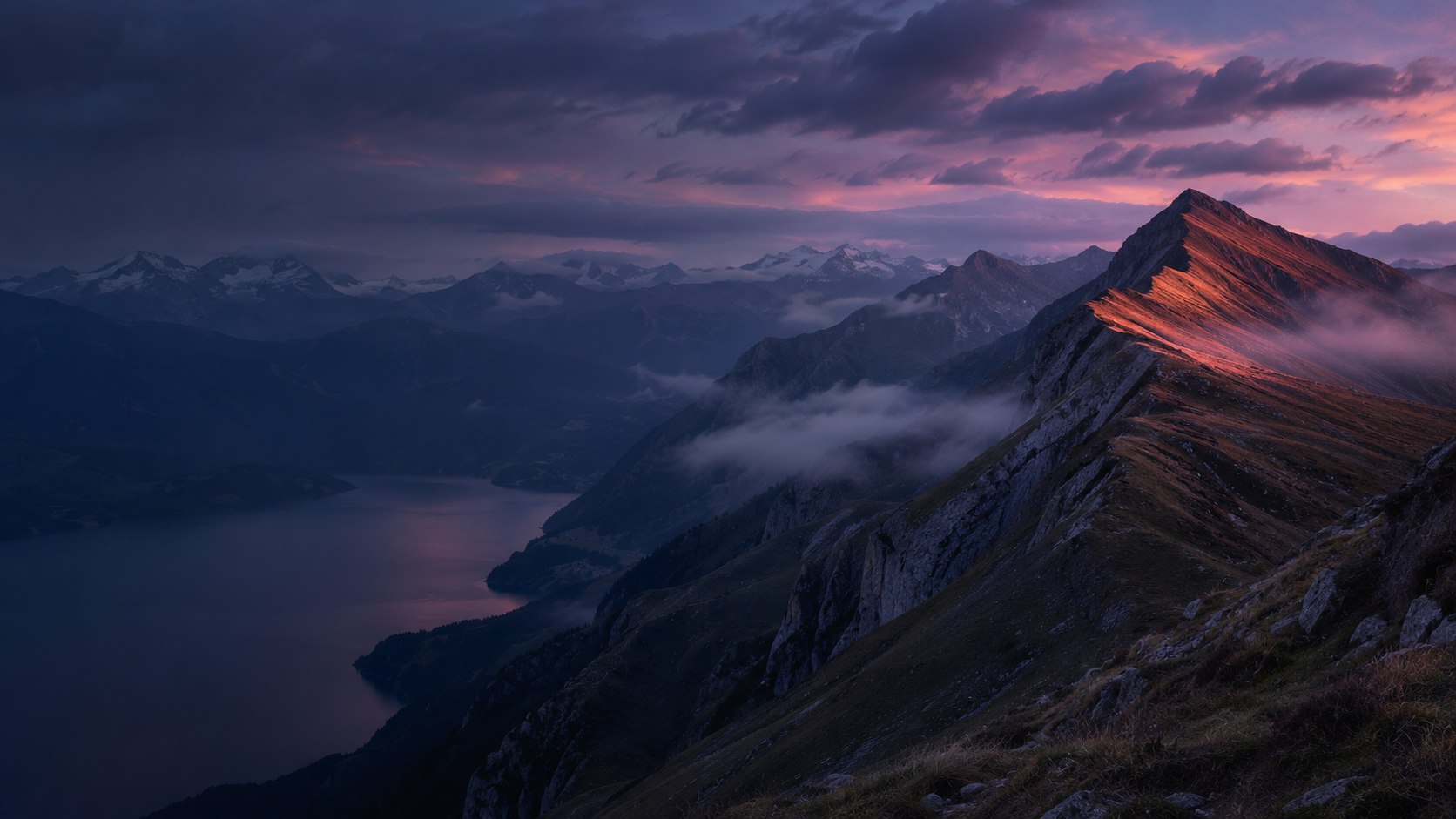 Black and white
Color
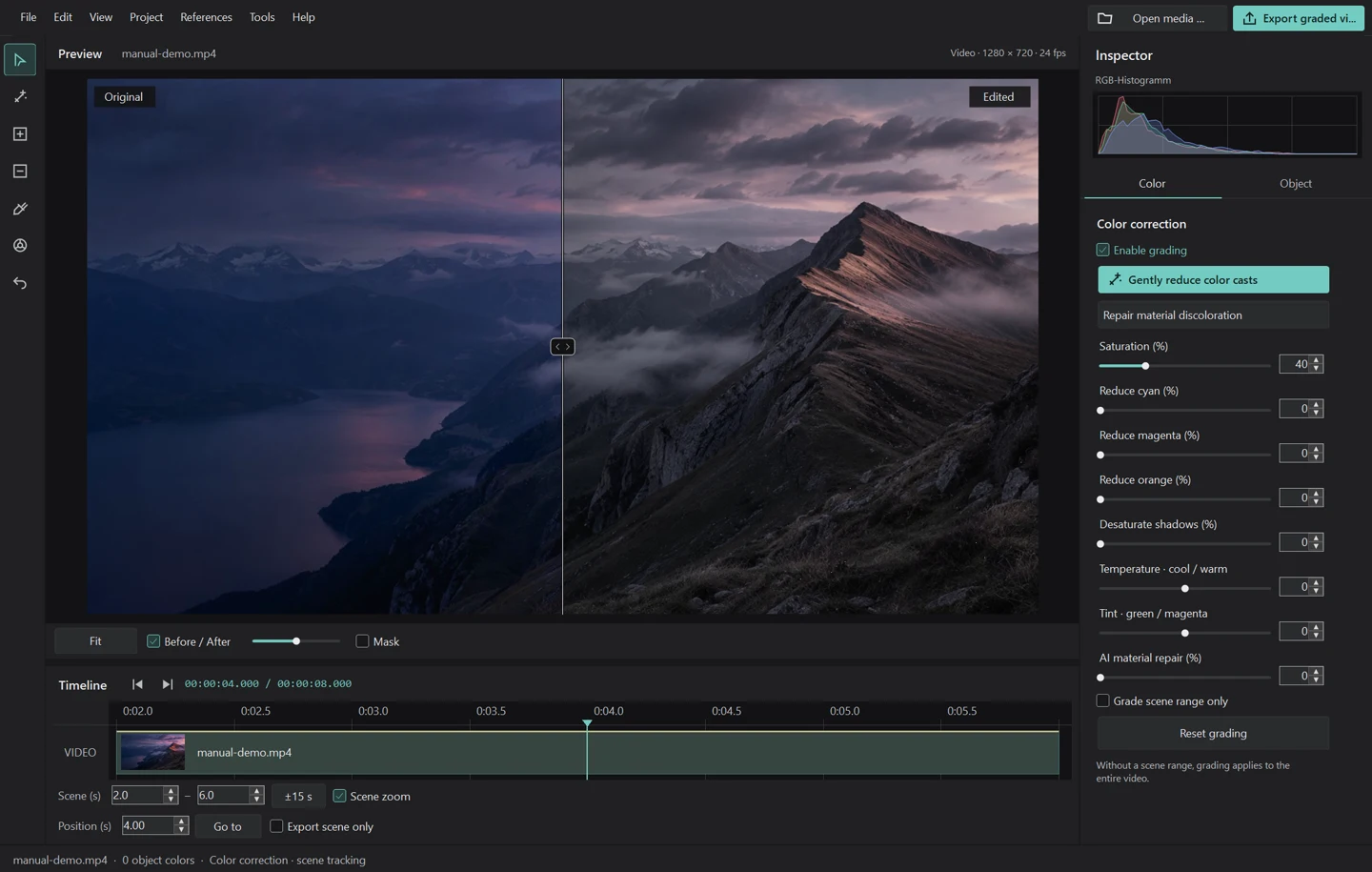
Compare your edits directly in the preview. Use the RGB histogram as you adjust saturation, temperature, and tint.
Colorize black-and-white photos with a local AI model and fine-tune the colors manually.
Use Pro to reduce noise, upscale photos, and selectively correct color casts or material stains.
Use Pro to colorize archival films, select scenes on the timeline, and grade them individually.
The Windows app unlocks all Pro features for 14 days on first launch. Free remains available after the trial.
€0
Free forever
€79
One-time purchase
Everything in Free, plus
The Windows download and purchase will be available at launch.
Getting started, photo and film editing, export, and license activation.